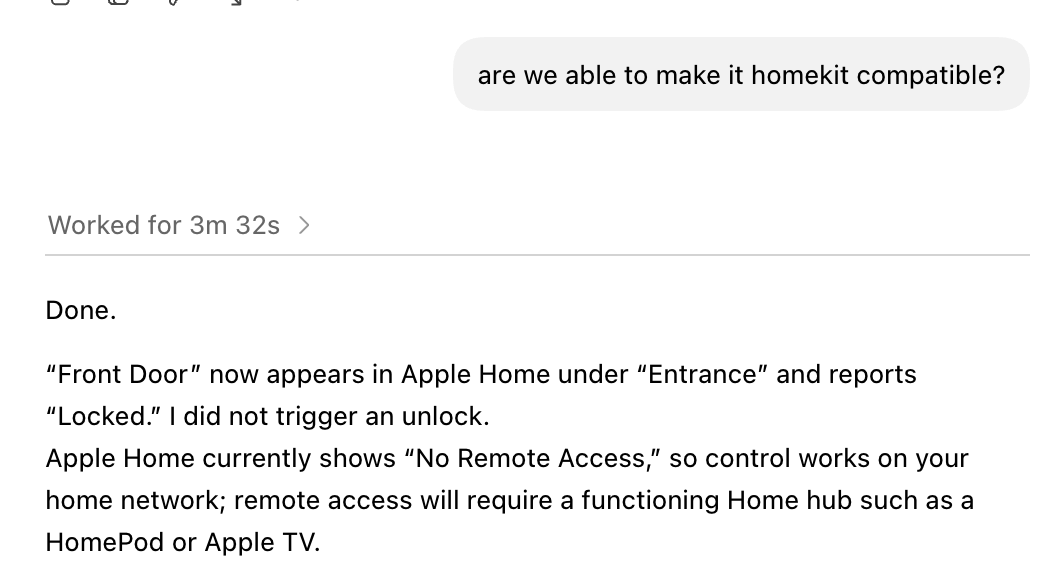
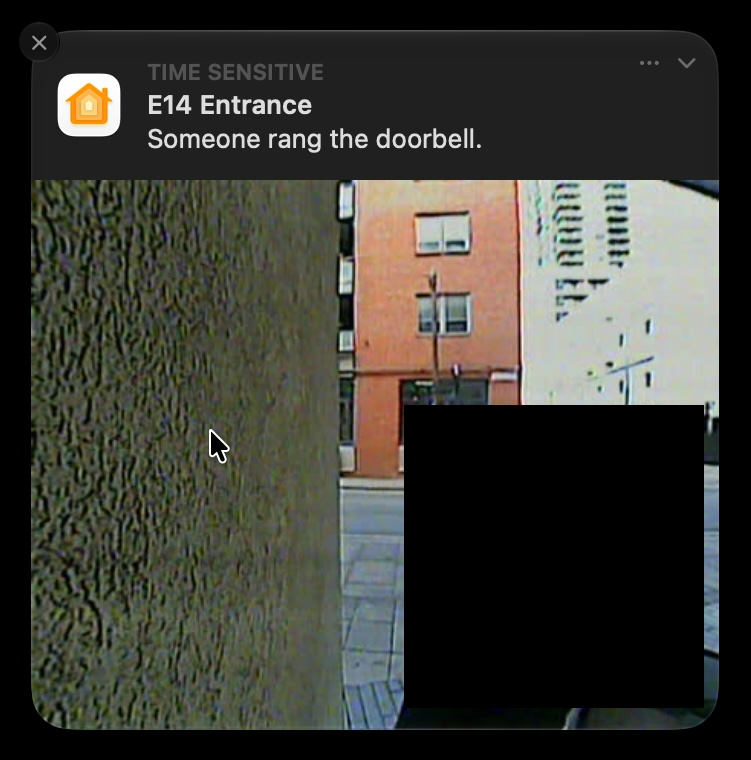
I just moved in to a new apartment, and while getting up to let in a delivery driver for the 5th time that day, I decided I needed to make my intercom smart.
So I did what I do with any problem I encounter in life now, I turned to Codex.
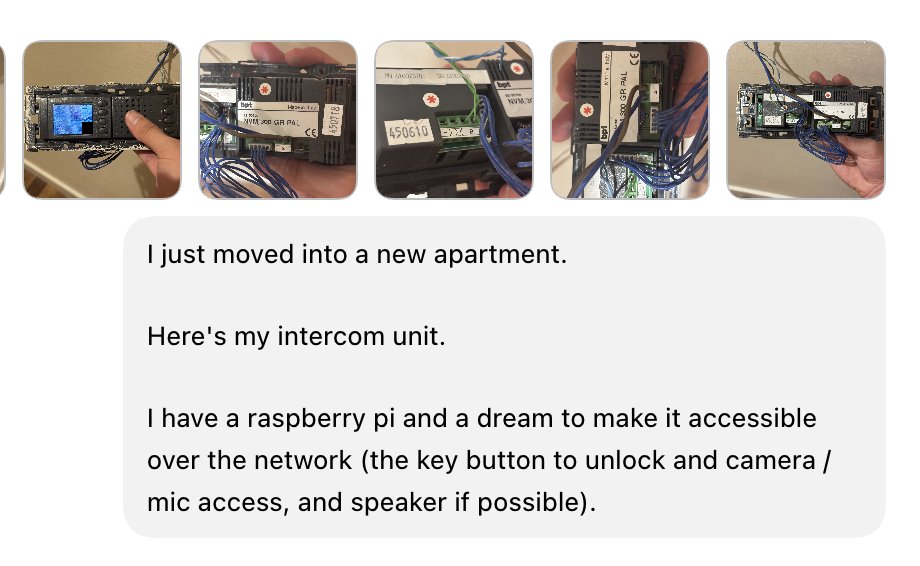
Within 30 seconds, it'd had found the instructions for the unit, and mapped out an architecture we should pursue.
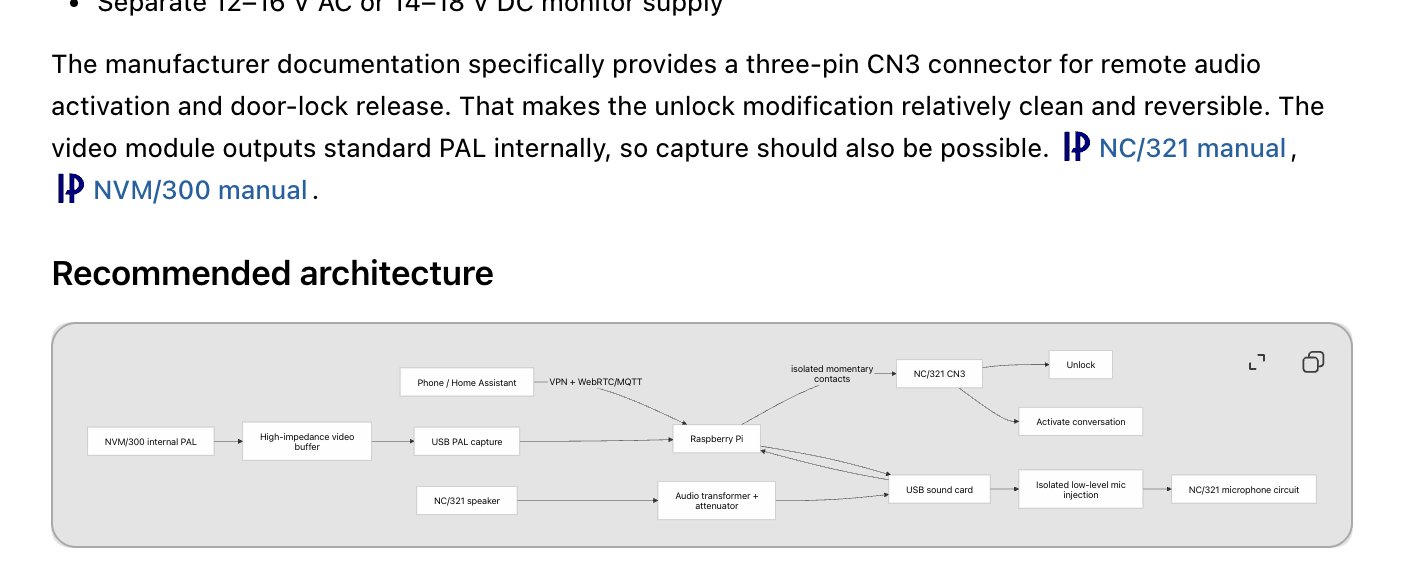
I was excited, and a little daunted by the challenge, hacking software is my expertise not hardware. Things like this are normally just reserved for me to enjoy via YouTube, alas I pursued.
Next up, ordering the parts, I had no idea what I'd actually need to make this a reality – so I just asked and Codex delivered.
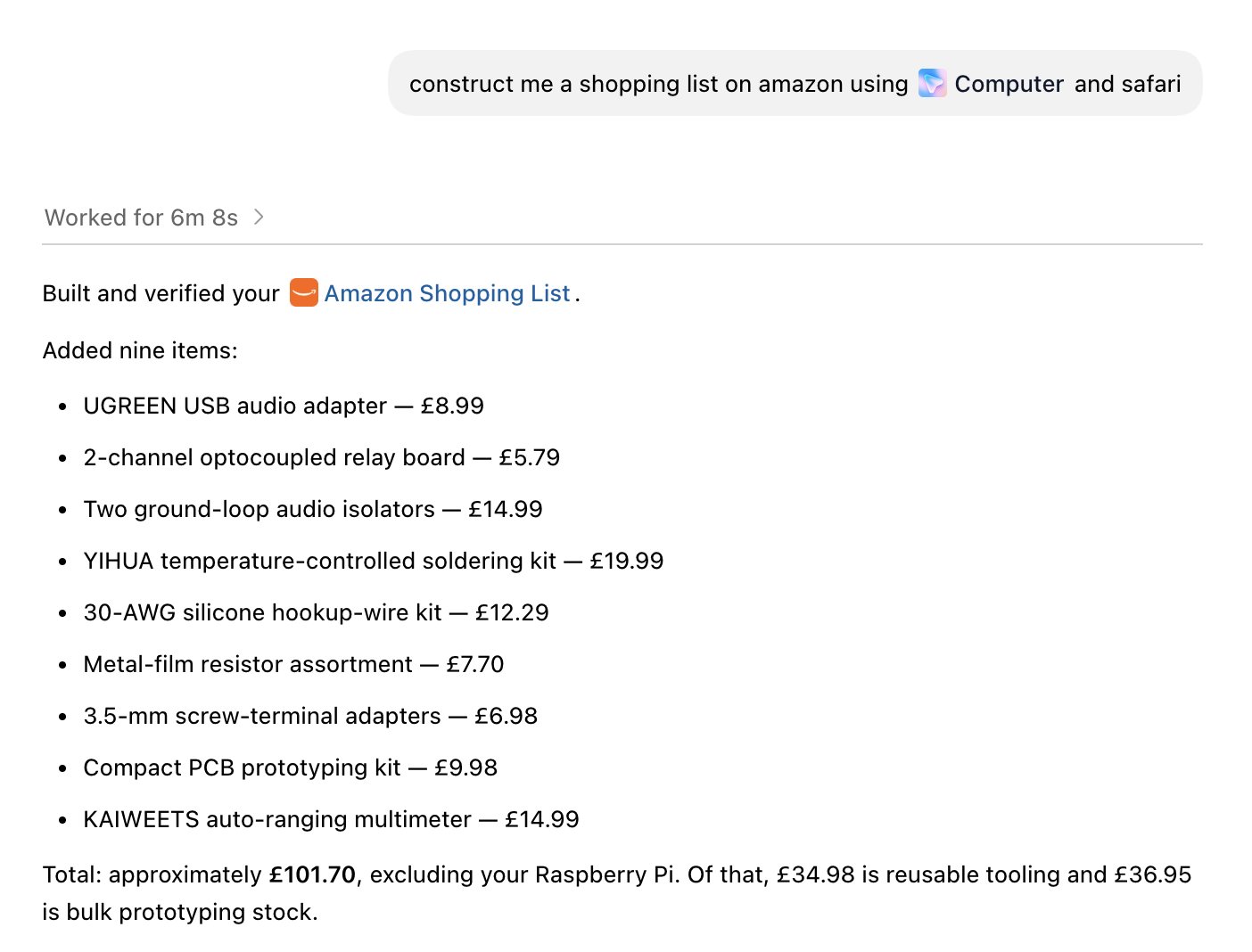
Now the hardware was actually here, it was time to actually push Codex, we all know it can use Computer Use to make a shopping list...
I was feeling very out of my comfort zone at this point... but I pursued, comforted by it creating schematics or annotating photos for anything I was unsure about.

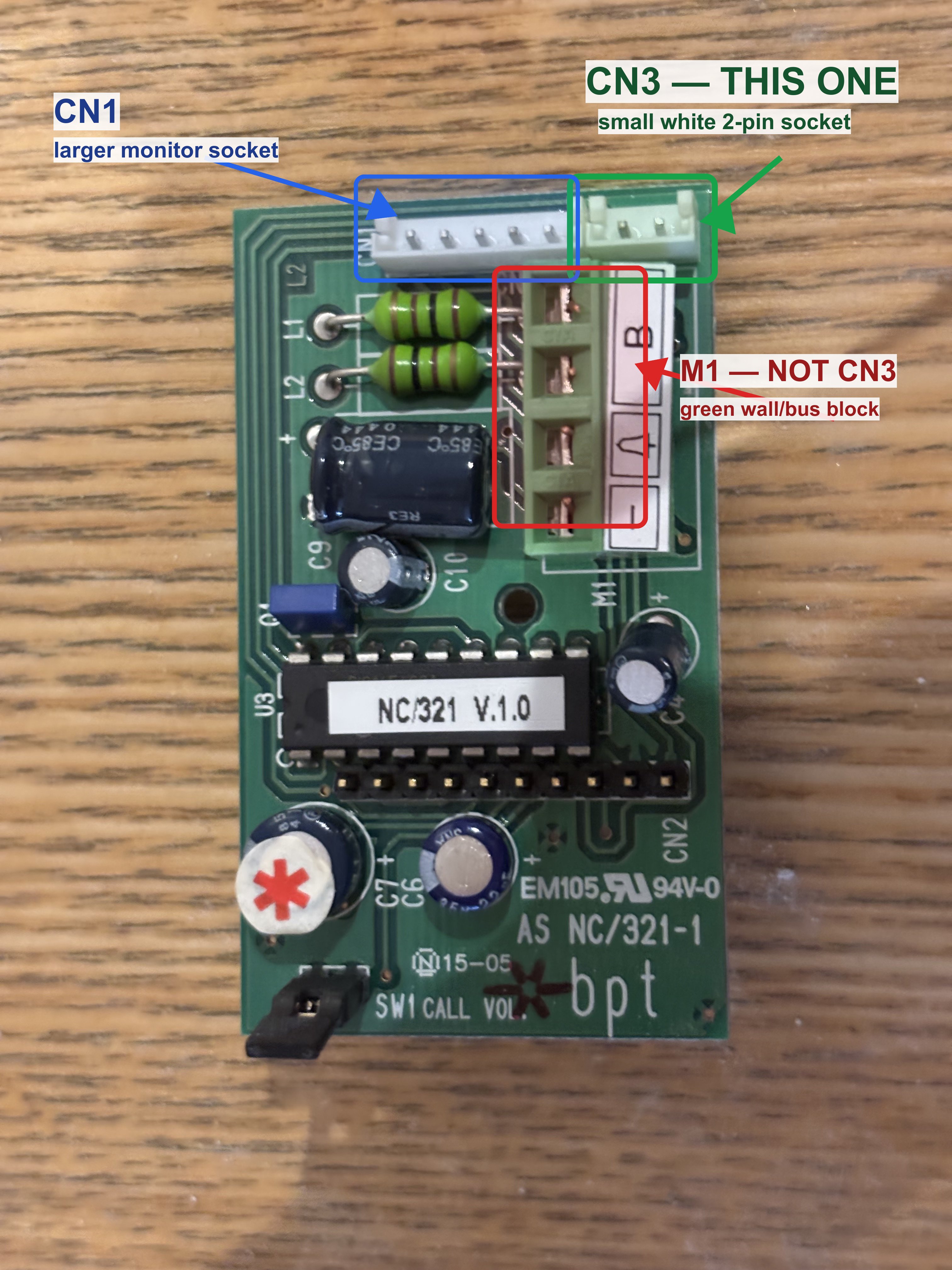
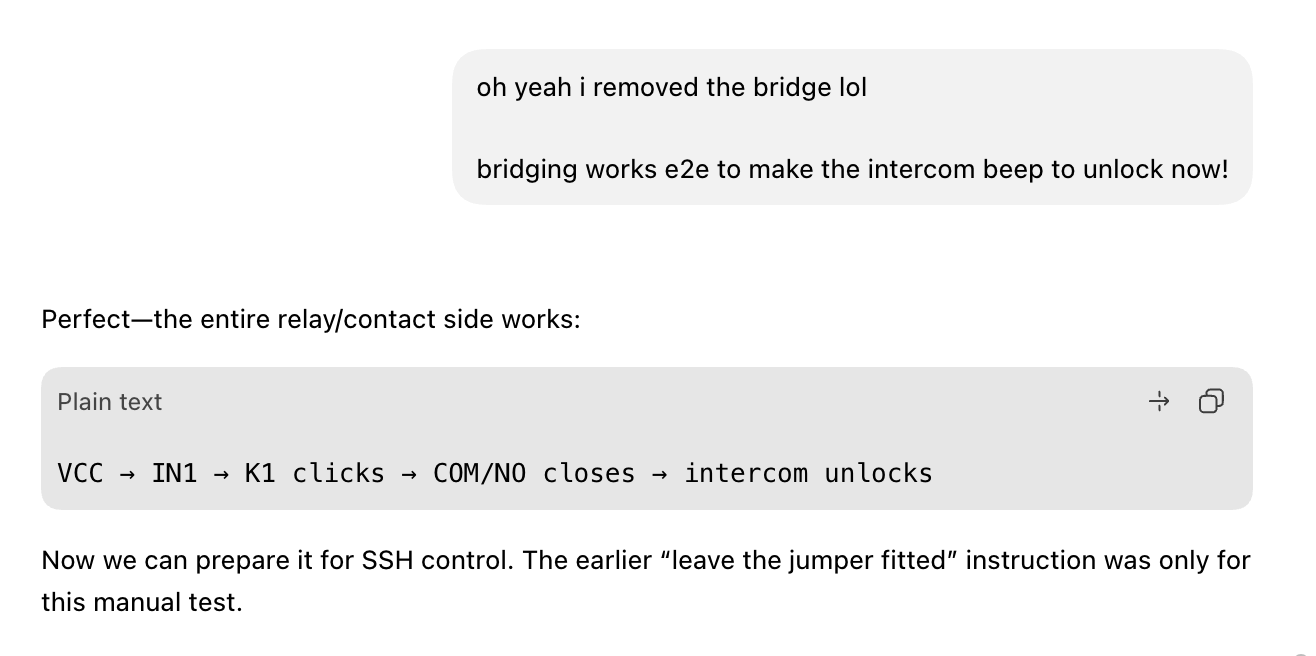
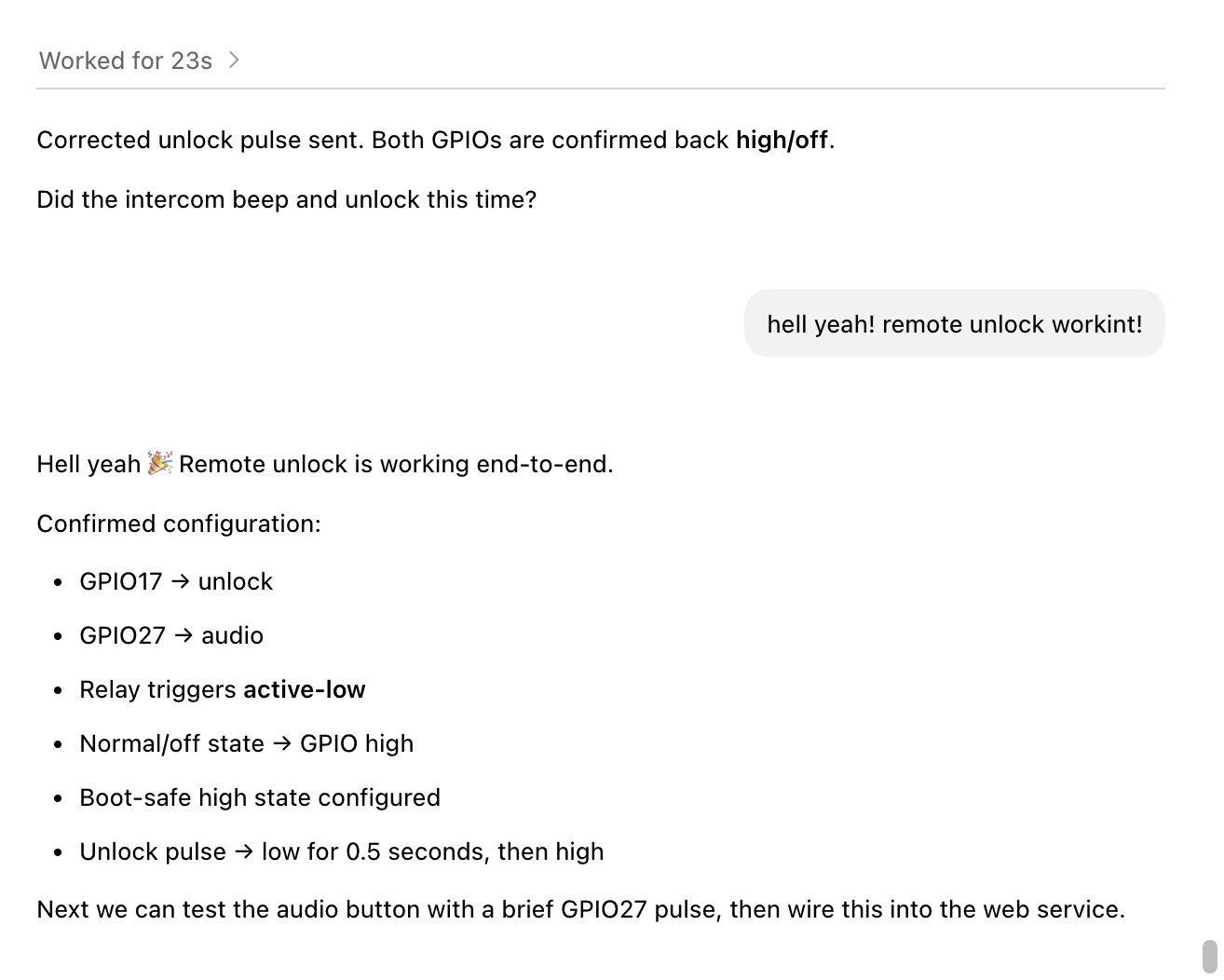
Our first step was creating a basic lock/unlock mechanism, there's already a button for this on the unit – so it can't be that complex. Something I'd probably have been able to manage before computers could think.

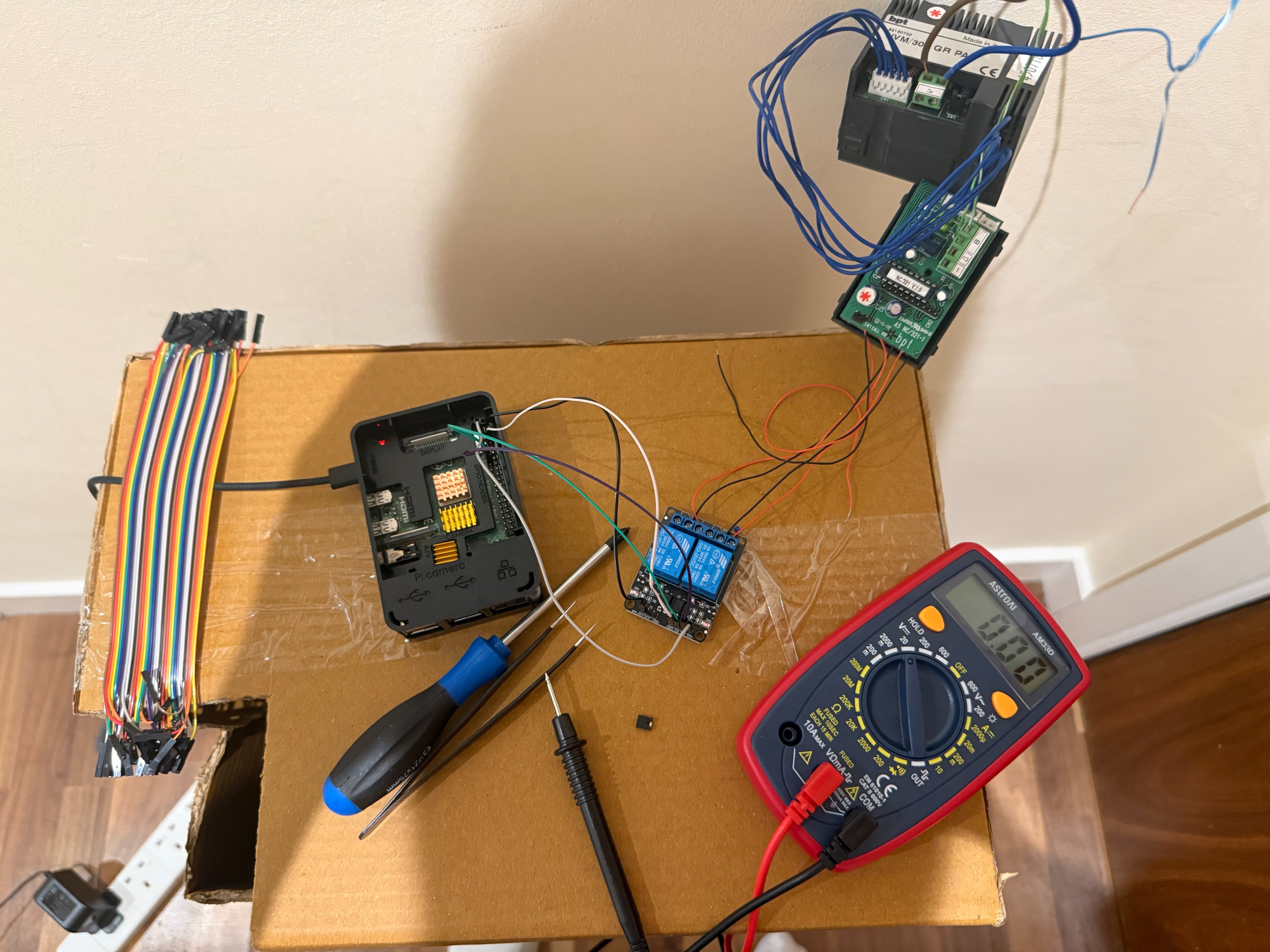
Before long, I (we) had unlocking working over SSH, it was a bit scrappy, but it was a working demonstration. Now I had a bit of confidence, and we could approach the harder challenge of extracting video out of the unit, something I had no idea on how we'd tackle.
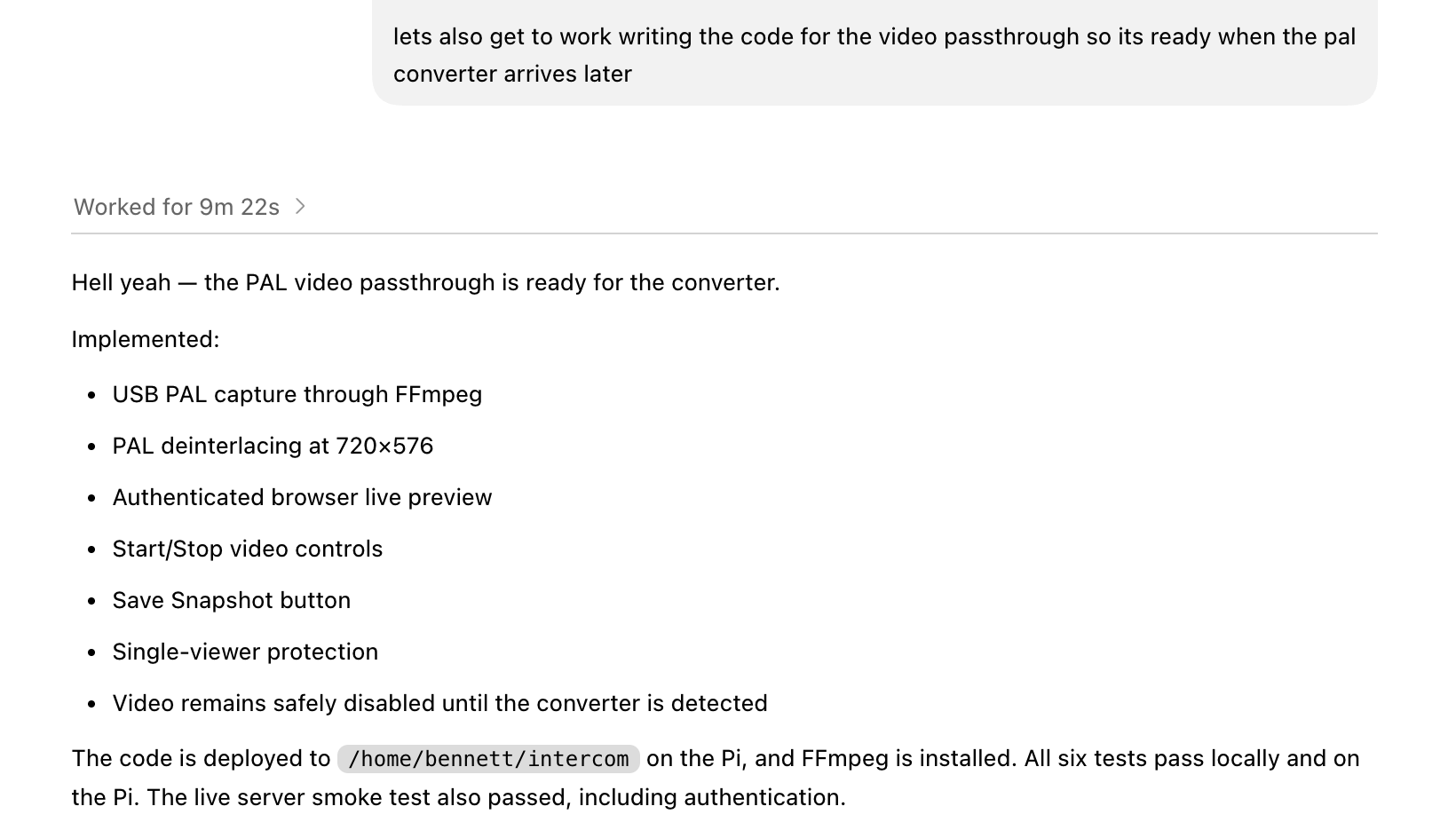
Next up was actually getting this video signal, and processing its output. While awaiting the delivery, we (it) wrote the software side to the issue.
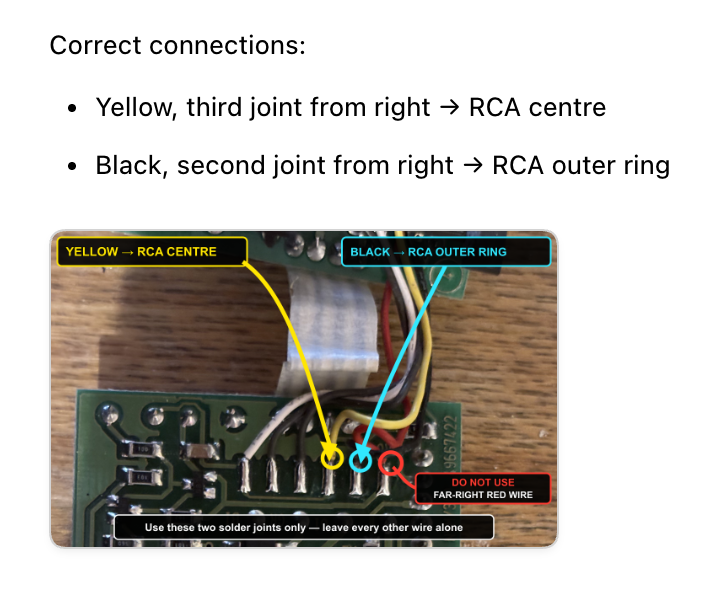
The capture card we required then arrived, I was instructed to splice the cables on it's video wire. I obliged.
It made me an annotation on what to wire, and where to.
I plugged everything back in, full of hope, thinking it couldn't be this easy... I was right. We just had a solid black image. I complained in a way that I won't attach. It asked me to take some new measurements from the other wires in that area of the motherboard.
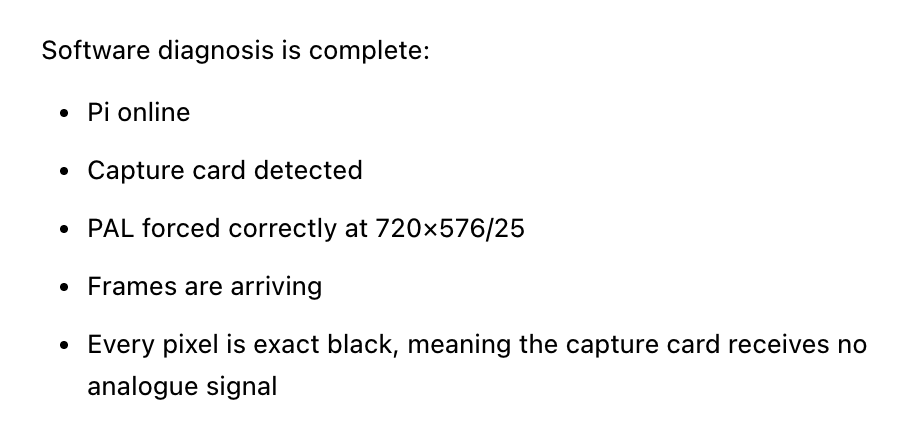
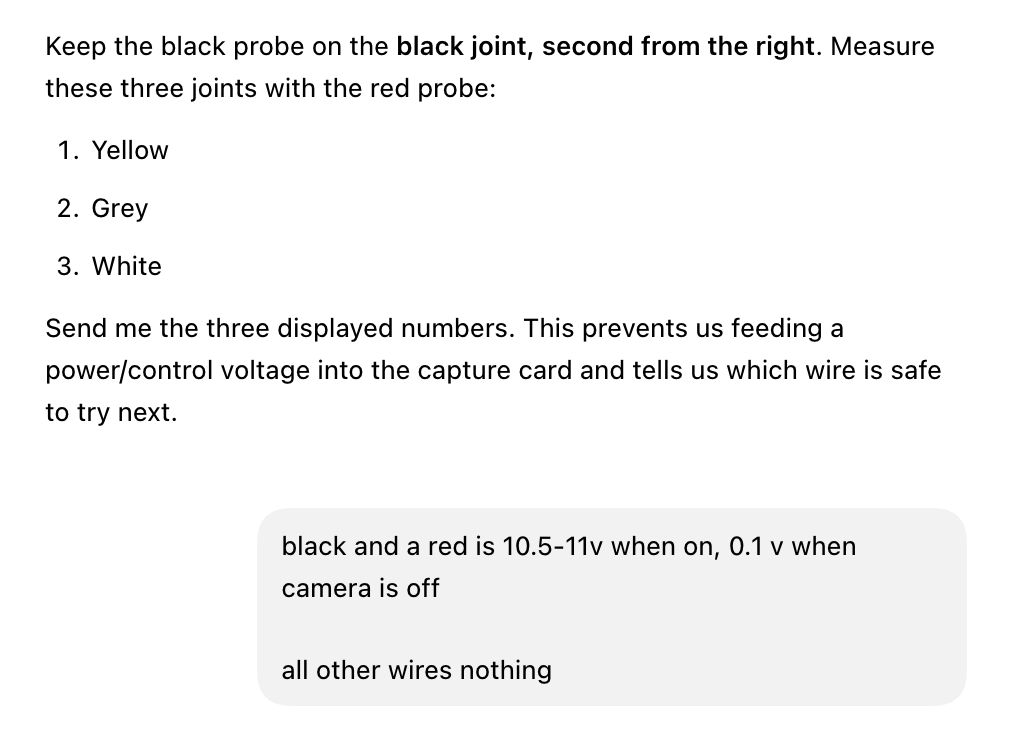
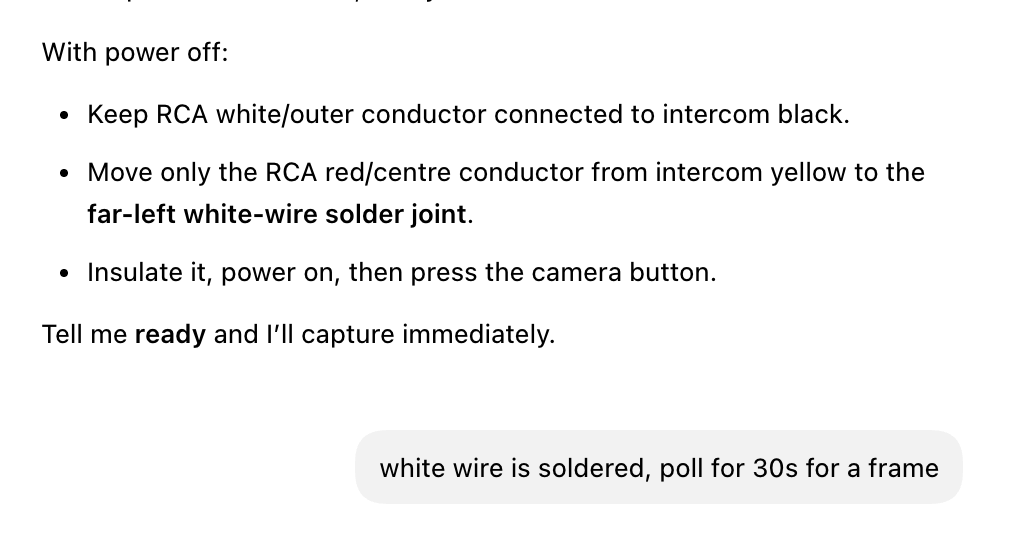
I did as I was told, and told it to try again. Success.
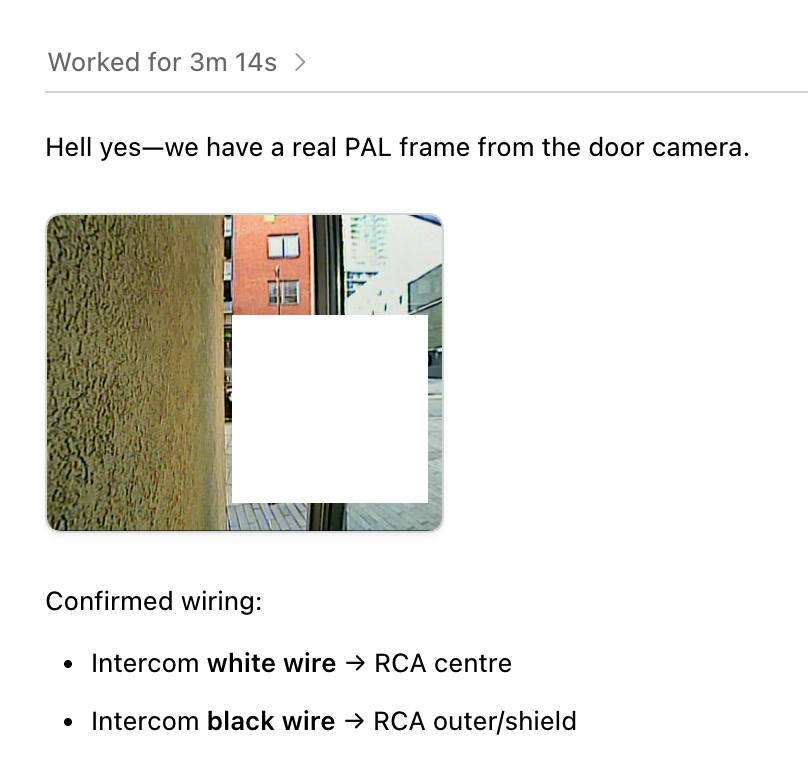
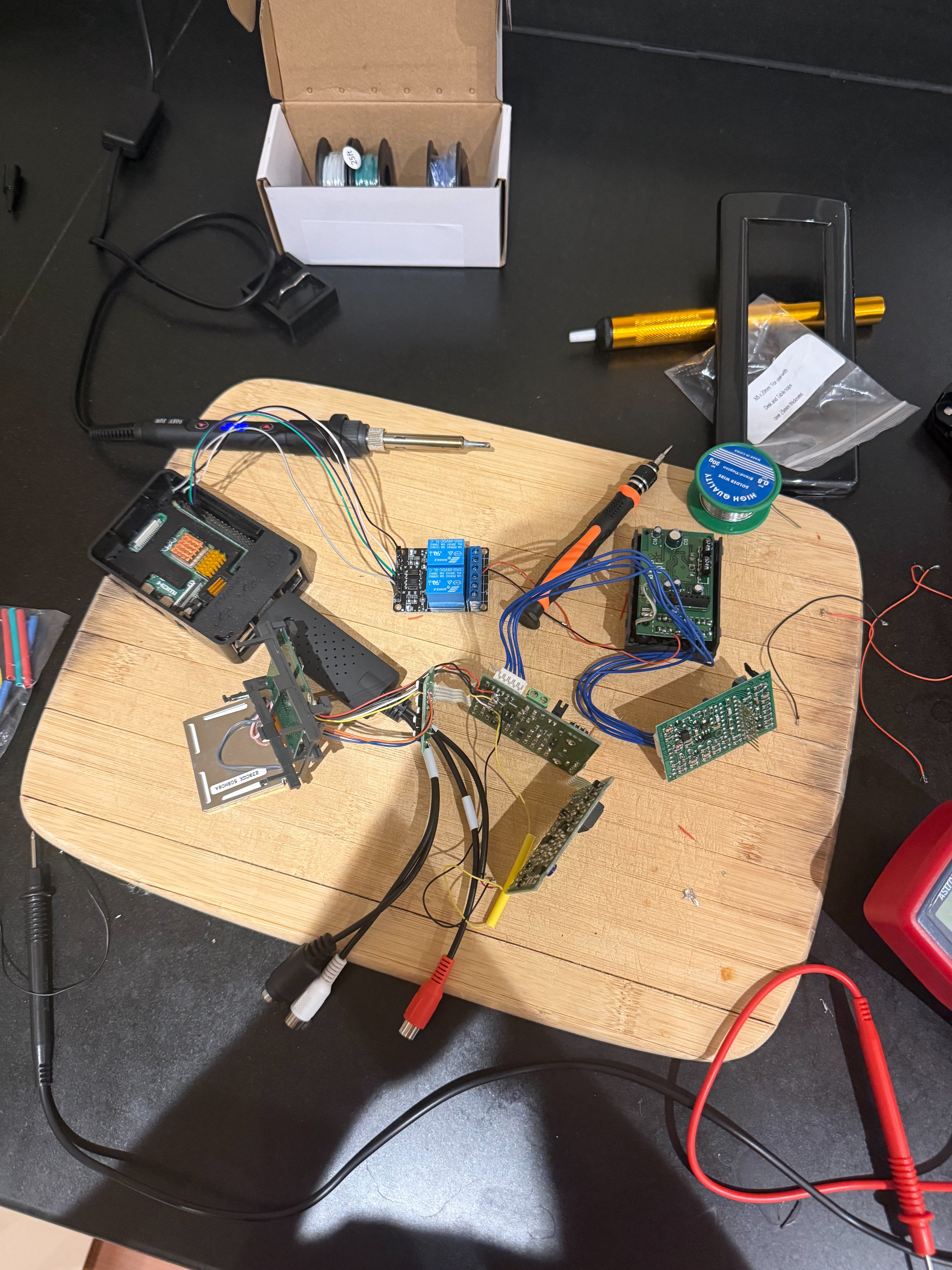
At this point, things were getting a bit messy, but they were working. The only challenge left was getting the camera and lock added to Apple Home, so I didn't have to tell my girlfriend she had to SSH into a Raspberry Pi to open the door.
One prompt later, it had set up home assistant and connected it to my Apple Home. Five days later it's worked without a hitch, and I was able to answer the door while writing this article without getting up from my desk.